Requirements: 4.0+
Overview: Apktool – decompilation and compilation of Android® installation packages (* .apk), including system applications. Antisplit – merging Android App Bundle (split) into one installation file, as well as installing and extracting such files.
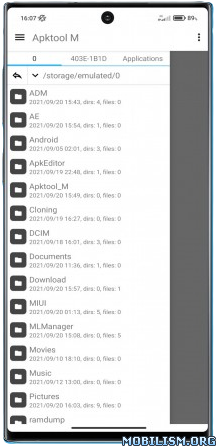
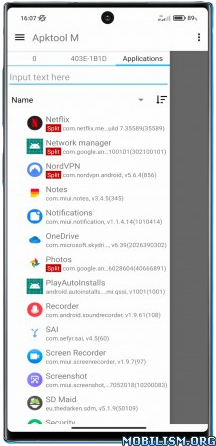
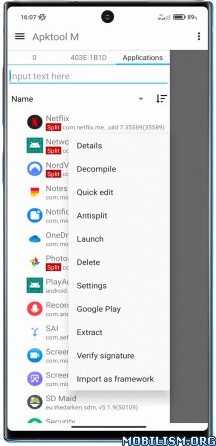
Apktool – decompilation and compilation of Android® installation packages (* .apk), including system applications.
Translation of applications, including in automatic mode (more than 100 languages are supported).
Manager installed applications.
Customizable text editor with syntax highlighting and hints, with the ability to view the source java code, with the ability to import your own code highlighting themes.
Convenient file manager with many functions.
Working with different types installation files – * .apk, * .apks, * .xapk, * .apkm.
Antisplit – merging Android App Bundle (split) into one installation file, as well as installing and extracting such files.
Create your own signature and sign applications.
Quick editing of the application name, package name (cloning the application), application icon and more, without the need to rebuild.
Root rights are not required.
The app is completely free, it is supported on older devices since Android 4.0 and does not contain any ads or analytics.
What’s New:
New in version 251220:
– added a dark icon for the application, you can change the icon in the settings;
– to auto-rename apk, you can specify the characters that need to be removed from the name;
– sorting by apk size in the application list has been fixed; previously, only the size of the base file was taken into account for splits;
– bug fixes, optimization;
This app has no advertisements
More Info:
https://maximoff.su/apktool/?lang=enDownload Instructions:
https://upfiles.com/cOTP
Mirrors:
https://katfile.online/ik8vymcskfua
https://dgdrive.site/wicr6a24vpy4.